
Get 20% off your first order using the coupon code
Valheim BepInEx Server Hosting
For operators who run plugin stacks rather than plain raids. ValheimPlus, Jotunn, and your own DLLs load from a plugins folder you control, with every config editable in the panel.
Enterprise hardware and every feature you need, at a fraction of the price. Not feeling it? We offer a no-questions-asked 7-day refund window.
50 GB of storage included
Need more than 50 GB of NVMe? Just ask.
10 Backup Slots
Keep up to ten backups at once.
5 Split Slots
Split your server into more than one.
Swap Games Anytime
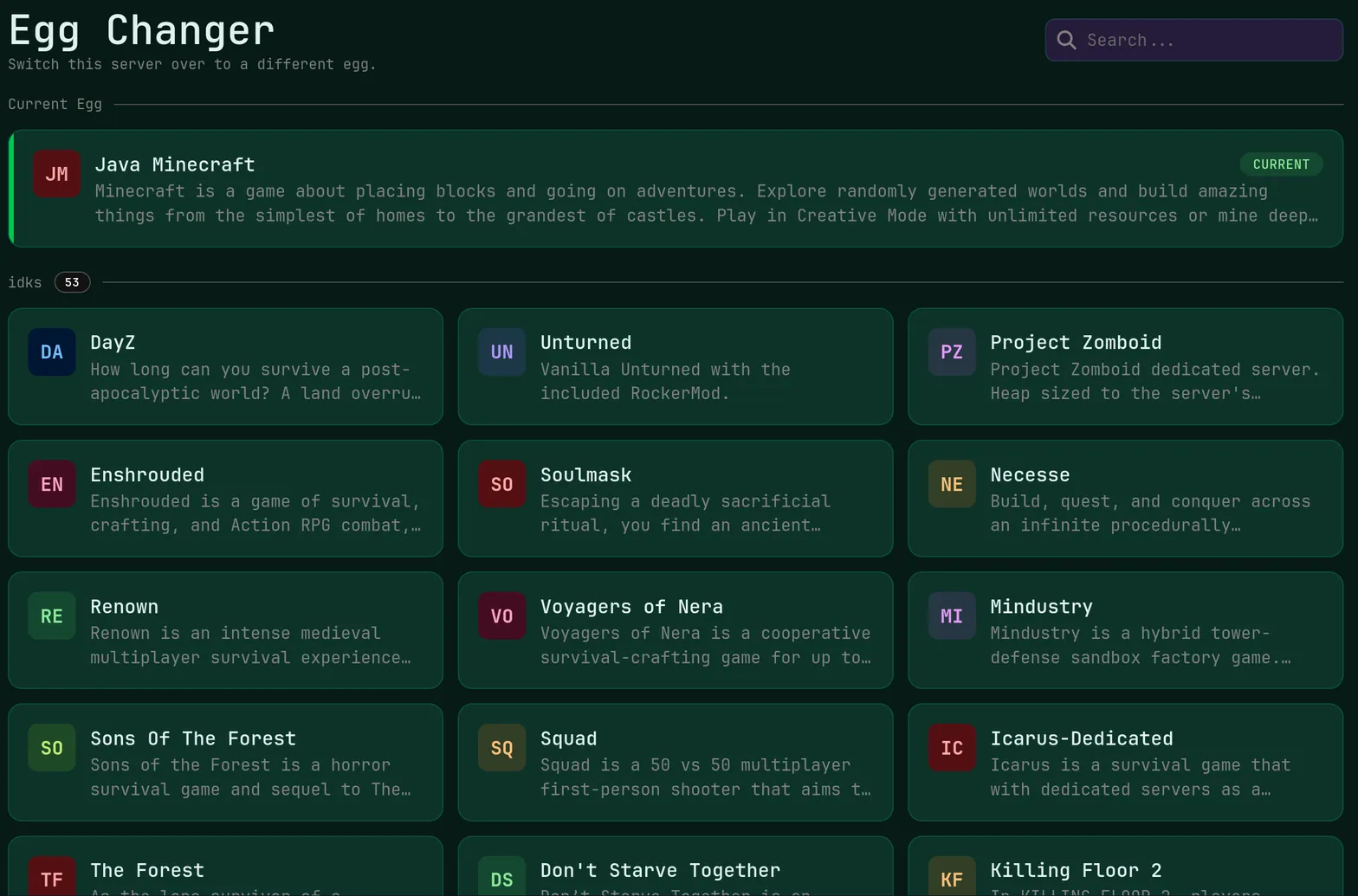
Switch to any supported game, any time.
One Click Install
Modpacks, worlds, mods and plugins.
Full Version Support
Every version, mod, and modpack.
Crash Detection
We'll tell you when and why it crashed.
Human Support
No AI or bots here. Only humans.
PRICING
6 GB at $15.00 carries ten vikings with a moderate plugin list; heavy modpacks or twenty-plus players belong on 8 GB at $20.00 or 12 GB at $30.00 with 5 cores.
Plugin count, zone loading, and thousands of player-built pieces pull on both memory and single-thread CPU, so modded worlds sit on Ryzen 9 hardware with unmetered NVMe storage.
Loader Ready Immediately
BepInEx is part of the deployment, so the first thing you do is drop in plugins instead of patching a launch script.
Automated setup · Loader included · Plugins folder ready
Plugin Config Control
Every generated .cfg file opens in the panel editor, and the one-click version changer keeps your build where plugins expect it.
Config editor · Version changer · Live console
Modded World Hardware
Heavily built bases and terrain-modifying plugins run on Ryzen 9 CPUs with DDR5 ECC memory and NVMe SSD storage.
Ryzen 9 9900X class · DDR5 ECC · Unmetered storage
Unlimited Viking Slots
Bring as many vikings as your plugin list can carry, because FSH never charges per connected player.
Unlimited slots · Admin list · Player management
Raid Traffic Filtered
DDoS mitigation is standard, so a long session in the Mistlands does not end with an unexplained disconnect wave.
Included free · Every node · No upsell
Pick Your Region
Nine locations, including Miami, San Jose, Frankfurt, and Brussels, keep your group's latency predictable.
9 regions · EU and NA · Set at checkout
ABOUT VALHEIM BEPINEX HOSTING
Where Valheim Plugins Actually Live
The BepInEx pack installs a loader next to the server binary, then reads DLLs from its plugins folder and writes a configuration file per plugin into the config folder on first launch. That first launch matters: start the server once after uploading a plugin, then reopen the config in the FSH file manager to find every option the author exposed. Framework mods such as Jotunn sit in the same folder as the plugins depending on them.

Version Pinning Through Game Updates
Valheim patches arrive often enough to break a loader, and a broken loader means a server that starts unmodded or not at all. Before applying an update, take a manual backup, then use the one-click version changer to stay on the build your plugin set supports until authors ship compatible releases. Client-side plugins have to match what you run; server-only ones such as difficulty scalers do not.
Moving a Modded World Onto FSH
Your world is two files, one holding terrain and buildings and one holding the seed, and both travel without trouble. Upload them into the worlds directory over SFTP or through the file manager, set the world name and password in the startup arguments, and add your Steam ID to the admin list. Start the server and the first modded save is exactly the one you tested at home.
Live Ping by Location
measured from your browser — 9 game server locations in total
Common questions about running a Valheim BepInEx server with us.
More than a plain one. Six gigabytes at $15.00 carries roughly ten players with a moderate plugin list, 8 GB at $20.00 is the usual pick once terrain tools and large bases are involved, and 12 GB at $30.00 with 5 cores suits big modpacks or a busy public world full of built structures.
This product boots with the BepInEx loader already in place, so plugin DLLs and their config files are part of the normal workflow rather than something you bolt on afterwards. If you want a plain server that matches an unmodified client with no extra installs, the regular Valheim page is the simpler choice for your group.
Client-side and shared plugins must match version for version, or joins fail and behavior drifts between players. Server-only plugins, such as spawn-rate or damage adjustments, need nothing on the client at all. Keep your plugin list and version numbers written down somewhere public, and pin the game build until everyone has updated.
Yes. Stop the server, upload the world file pair into the worlds directory with SFTP or the file manager, then set that world name in the startup arguments. Install your plugins first so nothing regenerates fresh configuration over the setup you tested, and take a manual backup once the first modded start looks clean in the console.
A game patch can break the loader or individual plugins, so back up first, then hold the server on your current build with the version changer until the plugins you depend on ship compatible releases. When you do move forward, read the console on the first start, because missing dependencies appear there before your players notice anything.