Get 20% off your first order using the coupon code
Stationeers Server Hosting
Keep your Mars, Moon or Europa base breathing around the clock on high-clock Ryzen 9 CPUs, with world settings you control and daily backups on every plan.
Enterprise hardware and every feature you need, at a fraction of the price. Not feeling it? We offer a no-questions-asked 7-day refund window.
50 GB of storage included
Need more than 50 GB of NVMe? Just ask.
10 Backup Slots
Keep up to ten backups at once.
5 Split Slots
Split your server into more than one.
Swap Games Anytime
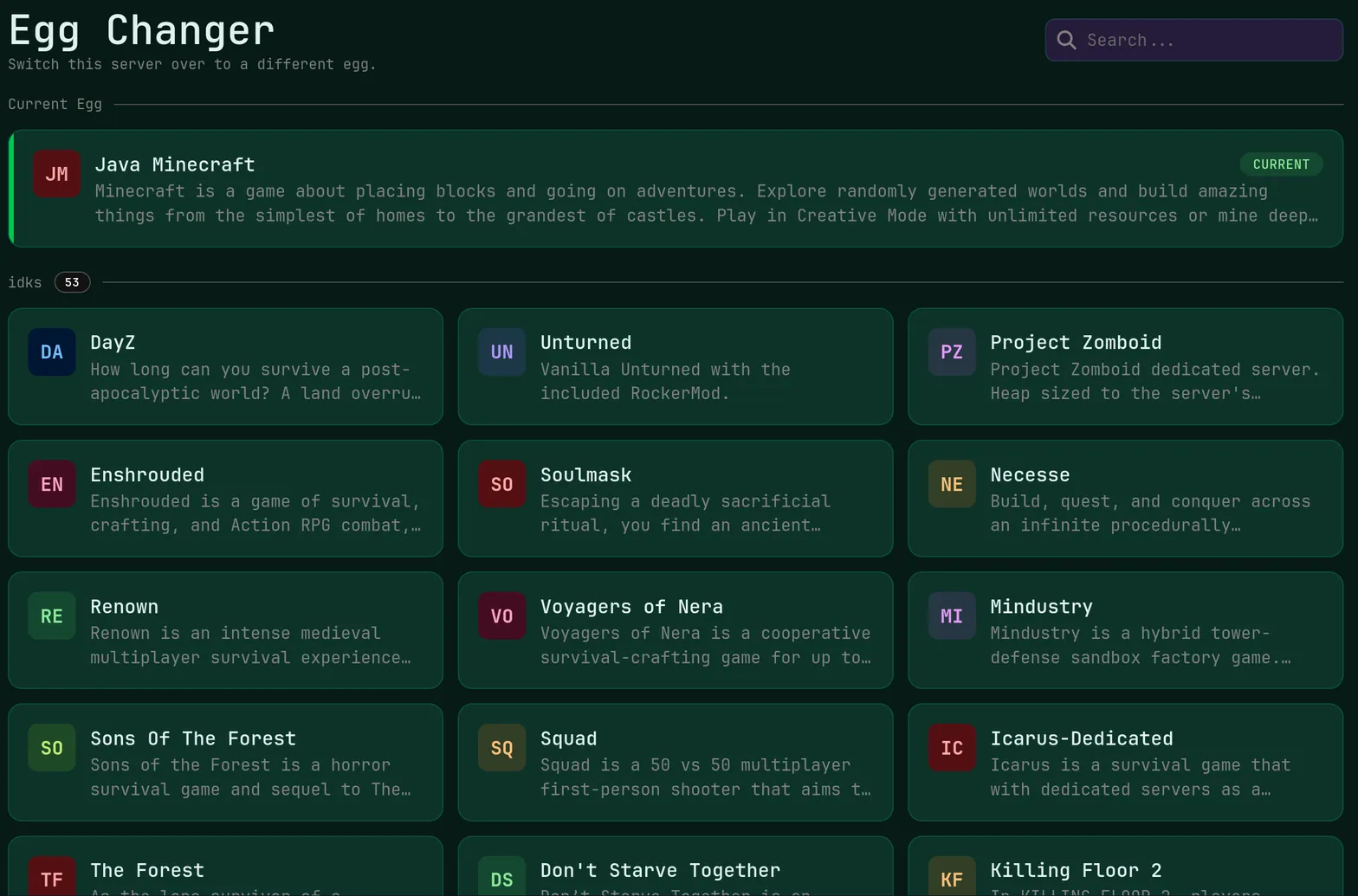
Switch to any supported game, any time.
One Click Install
Modpacks, worlds, mods and plugins.
Full Version Support
Every version, mod, and modpack.
Crash Detection
We'll tell you when and why it crashed.
Human Support
No AI or bots here. Only humans.
PRICING
3 GB runs a two to four player starter base, 6 GB holds up a mature station with big atmospheric networks and greenhouses, and 12 GB with 5 cores suits busy public worlds.
Atmospherics, heat transfer, power networks and IC10 logic all run through one demanding simulation loop in Stationeers, which rewards high single-thread clock speed and DDR5 ECC memory far more than a large core count.
Station Online Immediately
The server is created and started automatically after checkout, so the first oxygen pipe goes in on day one rather than after a provisioning wait.
Instant setup · Console access
High-Clock Atmospherics
Ryzen 9 7900, 7950X, 9900X and 9950X processors give the atmospheric simulation the single-thread speed it needs as pipe networks grow.
Ryzen 9 · DDR5 ECC · NVMe SSD
World Settings Editing
Edit the world and server configuration files directly in the panel to set difficulty, starting condition, respawn rules and sunlight behavior.
File manager · SFTP access · Version changer
No Crew Cap
Unlimited player slots mean an engineering crew can grow without a slot upgrade every time someone new wants to weld.
Unlimited slots · Subusers
Shift Never Cut
Included DDoS protection keeps the station reachable, because an unattended base with failing atmospherics does not wait politely.
No extra cost · Always on
Nine Ground Stations
Choose Miami, Dallas, New York City, San Jose, Ashburn, Salt Lake City, Toronto, Brussels or Frankfurt for the lowest ping to your crew.
9 locations · Pick at checkout
ABOUT STATIONEERS HOSTING
Why Stationeers Rewards Clock Speed
Stationeers is unusually simulation-heavy for a survival game. Gas mixtures, pressure differentials, heat flow, power draw and every IC10 chip you program are evaluated continuously, and most of that work lands on a single thread. A station with hundreds of pipes and a few greenhouses will stress a CPU long before it runs out of memory, which is why we put every plan on Ryzen 9 desktop-class processors with DDR5 ECC memory.

Configuring Worlds, Saves And Mods
The dedicated server keeps its world settings and save directory in plain files, and the FSH panel gives you both. Use the file manager to switch world type, difficulty, respawn and save interval, or upload a save from your local install over SFTP to continue an existing base. Workshop mods can be placed in the server's mod directory and enabled in configuration, and the one-click version changer moves you between stable and beta branches when your group wants the newer build.
Long-Term Station Persistence
The point of a dedicated Stationeers server is that the station keeps existing between play sessions, so backups matter. Automatic daily backups store 10 rolling restore points, and you can take a manual snapshot before a branch change or a large mod update. The task scheduler handles nightly restarts, which keeps a long-lived world responsive, and our published SLA at /legal/sla sets a 99.9% monthly uptime target.
Live Ping by Location
measured from your browser — 9 game server locations in total
Common questions about running a Stationeers server with us.
A small crew on a young world runs on 2 GB or 3 GB. As atmospheric networks, furnaces and automation grow, 6 GB gives comfortable headroom for a mature station. Beyond that the limiting factor is usually CPU rather than memory, so a 12 GB plan with 5 cores is the step for busy public worlds.
Yes. World type, difficulty, respawn behavior, save interval and other options live in the server's configuration and world files, which you can edit in the panel file manager or over SFTP. Stop the server from the console first, make the change, then start it again. Some settings are fixed at world creation, so check before generating a new map.
Stationeers mods are supported by placing them in the server's mod folder and enabling them in the configuration. The file manager and SFTP both reach that directory, and unmetered NVMe storage means large mod sets are not a problem. Every player should run a matching mod list, and a backup before installing keeps a bad mod from costing you the station.
Copy the save folder from your local install and upload it through the file manager or over SFTP, then point the server configuration at that save and restart. Doing this while the server is stopped avoids half-written files. Take a backup slot immediately afterward so you have a clean restore point for the imported world.
The one-click version changer in the panel handles branch switching, so you do not need command line access to move between stable and beta builds. Because a branch change can affect save compatibility, create a manual backup first. All clients connecting to the server should be on the same branch to avoid version mismatch errors.