
Get 20% off your first order using the coupon code
Starbound Server Hosting
One shared universe for the whole crew, with every terraformed planet and orbital base sitting on unmetered NVMe storage and backed up nightly while nobody is online.
Enterprise hardware and every feature you need, at a fraction of the price. Not feeling it? We offer a no-questions-asked 7-day refund window.
50 GB of storage included
Need more than 50 GB of NVMe? Just ask.
10 Backup Slots
Keep up to ten backups at once.
5 Split Slots
Split your server into more than one.
Swap Games Anytime
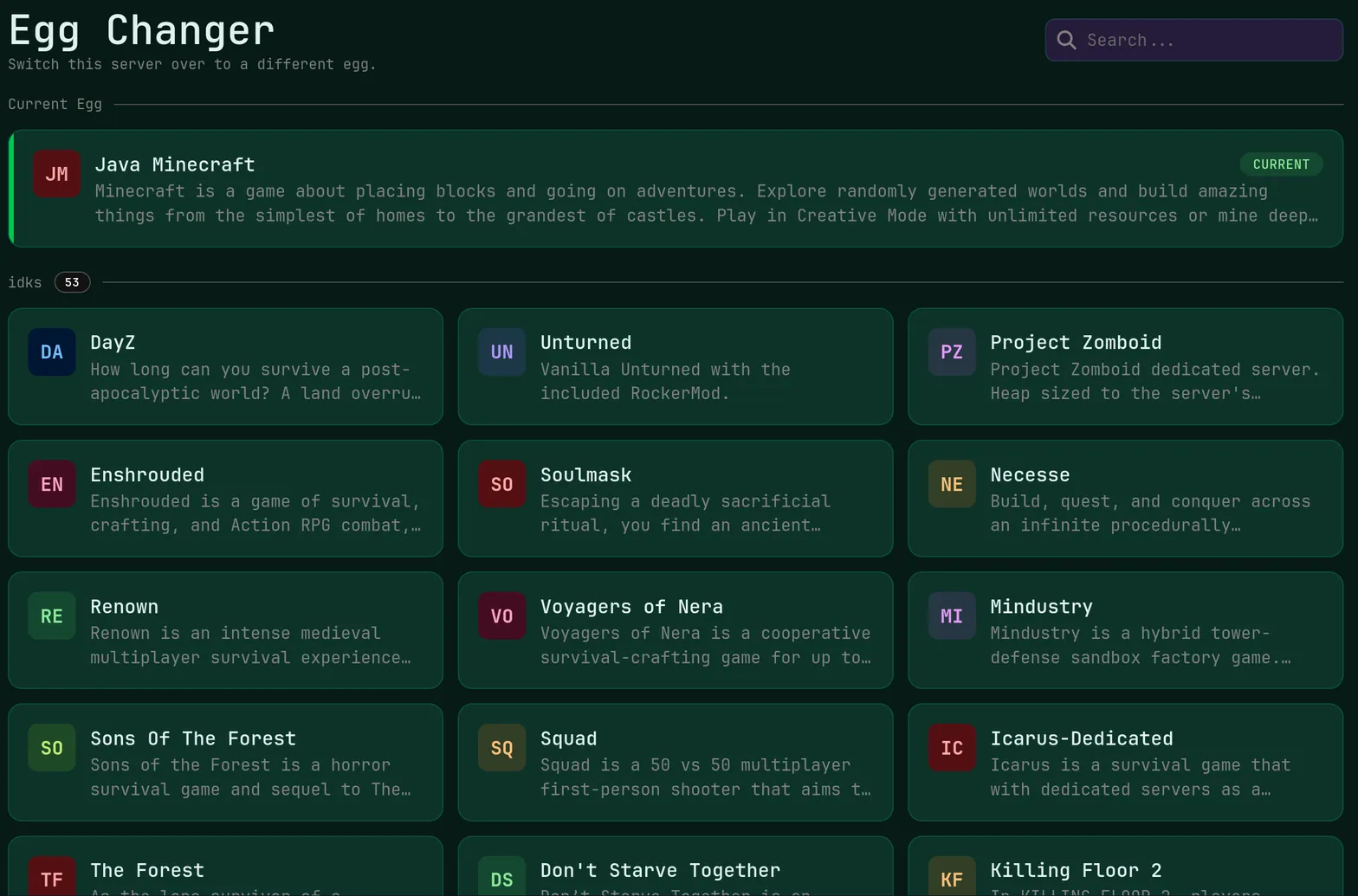
Switch to any supported game, any time.
One Click Install
Modpacks, worlds, mods and plugins.
Full Version Support
Every version, mod, and modpack.
Crash Detection
We'll tell you when and why it crashed.
Human Support
No AI or bots here. Only humans.
PRICING
3 GB at $7.50 is plenty for a handful of friends, while a mod-heavy server with twenty explorers and hundreds of visited worlds belongs on 8 GB at $20.00.
Starbound spends its day streaming world chunks off disk and running mod scripts, so unmetered NVMe storage and fast Ryzen 9 cores matter more here than a large memory pool.
Universe Online Fast
Deployment is automated at checkout, so the server is generating its first star system minutes after payment clears.
Automated deploy · Instant access · No install work
NVMe World Streaming
Planet files load from unmetered NVMe SSD storage behind Ryzen 9 processors and DDR5 ECC memory.
Unmetered NVMe · Ryzen 9 · DDR5 ECC
Mods Folder Access
Upload .pak files in the browser or over SFTP, then confirm each one in the startup log from the live console.
File manager · SFTP access · Startup log
Crew Any Size
We do not sell player slots, so your cap is whatever number you write into the server configuration.
Unlimited slots · Admin list · Player tools
Protected From Launch
Every Starbound server sits behind DDoS protection from the moment it deploys, with nothing extra to buy.
Always on · No extra cost · All 9 regions
Choose Your Datacenter
Nine locations are available at checkout, from San Jose and Dallas to Toronto, Brussels, and Frankfurt.
9 locations · Low latency · NA and EU
ABOUT STARBOUND HOSTING
Keeping Your Universe Files Safe
A Starbound server keeps one universe on disk: a folder of world files for every planet, station, and ship anyone has visited, plus the data for each character. That folder is effectively the whole server, and it grows quietly as the crew explores. FSH runs automatic daily backups into ten rolling slots on unmetered NVMe, so a corrupted world after a crash means restoring one file instead of rebuilding a colony.

Adding Mods Your Whole Crew Can Use
Server mods are .pak files that live in the mods folder, and Starbound compares assets when a client connects. In practice that means everyone joining needs the same mods you installed, which is why large overhauls work best when the group agrees on a list first. Upload the .pak files in the file manager, restart from the console, and read the startup log to confirm each one was picked up.
Editing the Starbound Server Config
The server configuration is a JSON file, so a stray comma is the usual reason a server refuses to come back up. Open it in the panel, set the server name and message of the day, raise the player limit, add your character to the admin list, and decide whether strict asset checking stays on. Copy the file to a backup before editing, then use the live console to confirm a clean start.
Live Ping by Location
measured from your browser — 9 game server locations in total
Common questions about running a Starbound server with us.
Starbound is modest by modern standards. Two gigabytes at $5.00 runs a small private universe, 3 GB at $7.50 is comfortable for a regular group, and mod-heavy servers or twenty-plus explorers do better on 8 GB at $20.00. Every tier includes unmetered NVMe storage, which matters because world files accumulate steadily as the crew travels.
In almost every case, yes. Starbound checks assets when a client connects, so someone missing a content pack is either refused or sees broken items. Keep a published mod list with links, put the same .pak files in the server's mods folder, and update everyone on the same evening. Purely cosmetic client-side mods are the usual exception.
You can move the universe folder and your character files onto the server with the file manager or SFTP while it is stopped. Install the same mods first, or worlds referencing missing assets will not load cleanly. Take a manual backup before and after the import so you can step back if a planet comes up empty on the first visit.
Slots are unlimited from our side, so the practical limit is the player count in your server config plus the memory your tier provides. Ten to twenty connected explorers is a normal busy server. Past that, world streaming and mod scripting are what start to hurt rather than the slot number itself, so scale the RAM tier rather than the cap.
Yes, and it installs like any other mod: upload the .pak into the mods folder, restart from the live console, and confirm in the startup log that it loaded. Large overhauls raise memory use and world generation time, so budget 8 GB at $20.00 or above, and make sure every player runs the same release.