Get 20% off your first order using the coupon code

Squad Server Hosting

Host a 100-player Squad server with your own licensed key, custom layer rotation, admin whitelist and Workshop mods managed through the FSH game panel.

$2.50per GB / month

from $5.00/mo · unlimited slots

  • Ryzen 9 7900–9950X
  • DDR5 ECC
  • NVMe Gen4
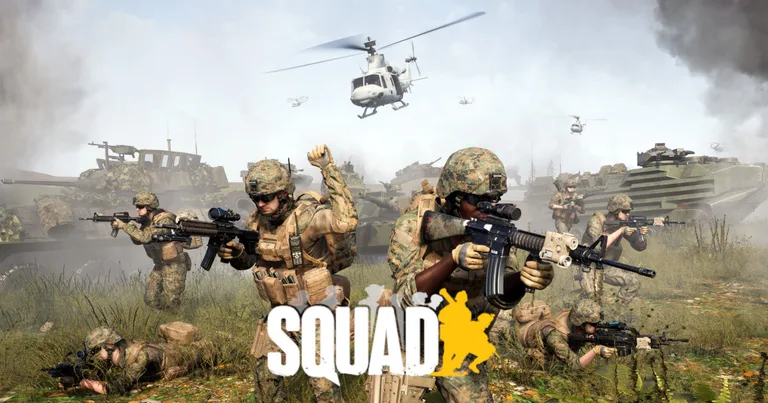
Squad artwork

HOSTING MADE SIMPLE

Enterprise hardware and every feature you need, at a fraction of the price. Not feeling it? We offer a no-questions-asked 7-day refund window.

50 GB of storage included

Need more than 50 GB of NVMe? Just ask.

10 Backup Slots

Keep up to ten backups at once.

5 Split Slots

Split your server into more than one.

Swap Games Anytime

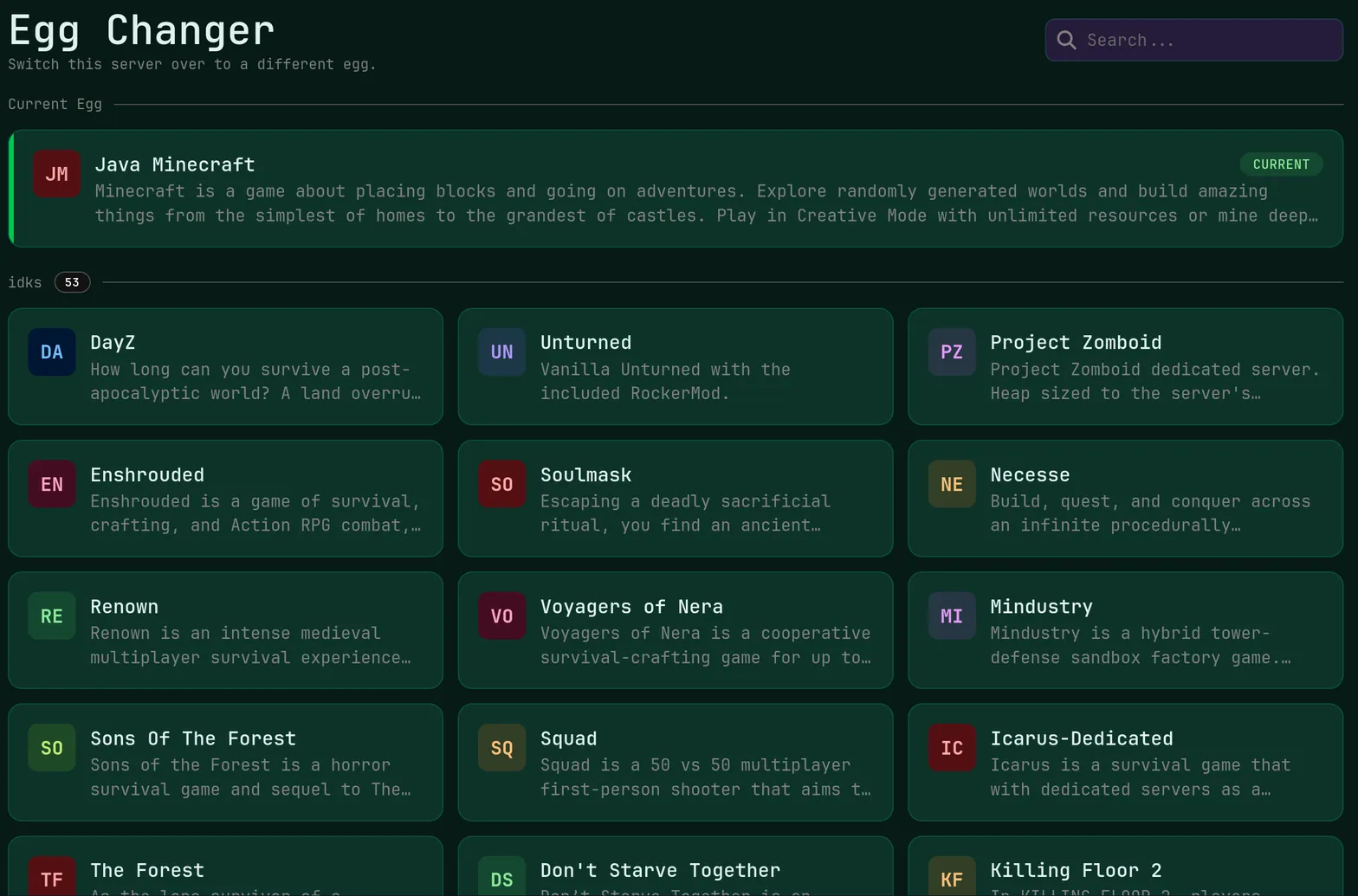
Switch to any supported game, any time.

One Click Install

Modpacks, worlds, mods and plugins.

Full Version Support

Every version, mod, and modpack.

Crash Detection

We'll tell you when and why it crashed.

Human Support

No AI or bots here. Only humans.

PRICING

A small training or modded server runs on 8 GB at $20.00/mo, while a full 100-player licensed server belongs on 24 GB at $60.00/mo or 32 GB at $80.00/mo with five cores.

RAMMonthly
2 GB$5.003 GB$7.506 GB$15.008 GBmost popular$20.0012 GB$30.0016 GB$40.0024 GB$60.0032 GB$80.00

Every plan: Unlimited Slots · Unmetered Allocations/Ports · Unmetered Databases · Enterprise Hardware · Unmetered NVMe Storage

Need help choosing? Talk to a human or check the docs.

EVERYTHING YOU NEED

Squad's large infantry and vehicle battles push CPU and memory hard, so servers run on Ryzen 9 cores with DDR5 ECC memory and unmetered NVMe storage.

License Key Configuration

Drop the server license key issued by Offworld Industries into your config files through the panel, then restart to unlock full licensed slot behavior.

Own key supported · Config file access

Battle-Scale Hardware

Ninety-plus players with armor and helicopters need real headroom, so plans reach 32 GB of DDR5 ECC memory on Ryzen 9 processors.

Up to 32 GB · 5 cores

Admin And Whitelist Tools

Manage admin groups, reserved slots and whitelisted Steam IDs in the Admins config, with subuser accounts for staff who should not hold billing access.

Admin groups · Subusers

Layer Rotation Control

Edit your layer rotation and map voting files directly, then push the change live with a scheduled or manual restart between rounds.

Custom rotations · Task scheduler

Protected Competitive Play

Included DDoS protection guards scrims and event nights, with a 99.9 percent monthly uptime target published in our SLA.

Included free · SLA backed

Regional Match Servers

Place the server in Ashburn, Dallas, San Jose, New York City, Miami, Salt Lake City, Toronto, Brussels or Frankfurt to keep your community's ping consistent.

9 locations · EU and NA

ABOUT SQUAD HOSTING

Licensed Squad Servers And Slot Keys

Squad separates unlicensed community servers from licensed ones, and the license key issued to your community unlocks the larger, properly ranked server behavior players expect. FSH supports bringing your own key: the relevant config files are yours to edit in the panel, with no vendor lock on where the key lives.

That also means you can stand up an unlicensed test server on a small plan while a license application is pending, then apply the key later without moving hosts. The one-click version changer keeps your build aligned with the live game after each Offworld update.


Layer Rotation And Admin Setup

Round flow is controlled by your layer rotation and voting configuration. Edit those files in the file manager, decide which maps, factions and game modes appear in sequence, and restart between rounds so the new rotation takes effect cleanly rather than interrupting a match that is already underway.

Admin configuration follows the same pattern. Define admin groups with the permissions each rank should hold, add Steam IDs for staff and whitelisted regulars, then hand panel subuser accounts to the moderators who need console and player management access but should never see billing or plan settings.

Whitelisting Workshop Mods

Modded Squad servers pull content from the Steam Workshop, and the mod IDs you list must match on the server and in each client's subscription. Upload or edit your mod configuration in the panel, restart, and read the live console output to confirm every mod mounted before you advertise the server.

Mods raise memory use noticeably, so a modded 80 to 100 player server is best on 24 GB or 32 GB with five cores. Unmetered NVMe storage means a large Workshop cache never bumps into a disk limit, and automatic daily backups protect your configs across ten rolling slots.

Live Ping by Location

measured from your browser — 9 game server locations in total

Compare all 9 game server locations for node hardware and the regions each one covers.

SQUAD HOSTING FAQ

Common questions about running a Squad server with us.

Plan on 24 GB at $60.00 per month for a full vanilla 100-player server and 32 GB at $80.00 per month once mods are loaded, both of which include five cores. Smaller training, scrim or testing servers run acceptably on 8 GB, our most popular tier at $20.00 per month.