Get 20% off your first order using the coupon code
Satisfactory Server Hosting
Pioneers should not have to wait for the host to log in. Claim your server from the in-game Server Manager and let the factory keep smelting overnight.
Satisfactory taxes one CPU core as belt, train and machine counts explode while save files grow with the factory, so tiers give 3 to 5 Ryzen 9 cores and unmetered NVMe.
Claim And Build
The instance is online right after checkout, so adding it in the in-game Server Manager and claiming admin is the only step left before you place a hub.
Instant setup · Server Manager · Admin claim
Megafactory CPU Headroom
Thousands of belts, trains and machines keep a single core saturated, so factories run on Ryzen 9 nodes with DDR5 ECC memory behind them.
Ryzen 9 · DDR5 ECC · 5 cores at 12 GB
Save Upload And Swap
Upload .sav files into the save directory over SFTP or through the file manager, then load the session you want from the Server Manager.
SFTP access · Session swapping · 10 backup slots
Uninterrupted Build Sessions
DDoS filtering ships with every Satisfactory server at no cost, so a forty-hour build plan is not derailed by traffic aimed at your address.
Included free · Always on
Bring Every Pioneer
Satisfactory is tuned for small teams but sets no hard co-op cap, and since slots are never metered you can invite the whole engineering group.
Unlimited slots · No per-player fees
Nine Pioneer Locations
Run the factory from Miami, Dallas, New York City, San Jose, Ashburn, Salt Lake City, Toronto, Brussels or Frankfurt, whichever is closest to your group.
9 locations · NA and EU
ABOUT SATISFACTORY HOSTING
Running A Satisfactory Dedicated Server
A dedicated Satisfactory server separates the save from any one player's machine, which is what makes long-term factory projects practical. Add the server address in the in-game Server Manager, claim it with your admin password, name the session and either upload an existing save or start fresh. From that point the factory keeps producing whether or not anyone is connected.
Setup here is automated at checkout, and the panel gives you a live console, a task scheduler for nightly restarts and network tools for the game and query ports. Ten allocations come as standard and are unmetered, so extra ports cost nothing.

Uploading Saves And Managing Backups
Satisfactory keeps each session as a .sav file, and moving one is a file copy rather than a migration. Upload it through the panel file manager or over SFTP into the server's save folder, then pick the session in the Server Manager and load it. Autosaves accumulate on unmetered NVMe storage, so you can keep a deep history of your factory without watching a quota.
On top of the game's own autosaves, automatic daily backups keep ten rolling slots of the whole instance. Before a major refactor of your main bus, take a manual backup and you can restore the entire server state in a couple of clicks.
Mods, SML And Server Settings
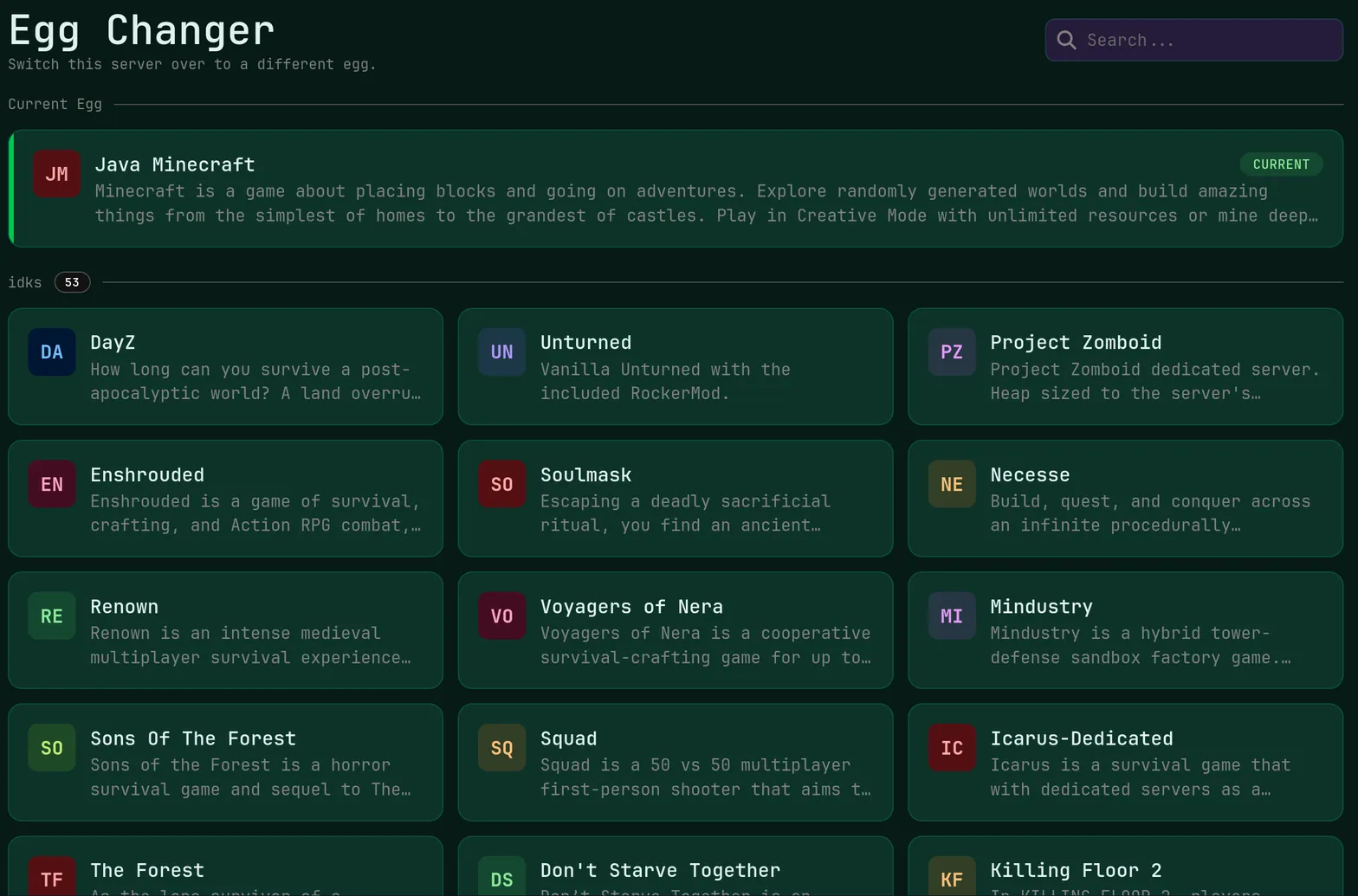
Modded play uses the Satisfactory Mod Loader, and the server side is a matter of placing the loader and your mod files in the right directories, which full SFTP and file manager access makes straightforward. Advanced game settings and startup flags are editable in the panel, and the one-click version changer lets you hold the server on a build your mod set still supports while the authors update.
Live Ping by Location
measured from your browser — 9 game server locations in total
Common questions about running a Satisfactory server with us.
Early game with a few pioneers is comfortable on 8 GB at $20.00 a month. Memory use climbs steadily with machine, belt and train counts, so a mid to late 1.0 factory is much safer on 12 GB at $30.00, and a fully built map with several players online belongs on 16 GB. RAM is a flat $2.50 per gigabyte.
Yes. Your session is a single .sav file. Upload it into the server save directory using the panel file manager or SFTP, then open the in-game Server Manager, select that session and load it. Nothing else needs converting. Take a backup slot first if the server already holds a save you might want later.
We do not meter player slots at all, so the practical limit is performance rather than licensing. The game is balanced around small co-op teams, and groups of four to eight work well on 12 GB or 16 GB with 5 dedicated cores. Larger crews are possible, but expect the tick rate to follow your factory size.
Yes. You have complete file access through SFTP and the panel file manager, so the Satisfactory Mod Loader and its mod folders can be installed exactly as the mod documentation describes. Keep client and server mod versions aligned, and use the version changer to keep the game build matched to your mod set after an update.
Blueprints created while playing on a dedicated server are stored with that server rather than only on your own machine, so the whole team can place them. They sit on unmetered NVMe storage and are included in the ten rolling daily backups, and you can download or replace the files directly through the panel.