

Get 20% off your first order using the coupon code

Best Seller

Minecraft Java Edition Server Hosting

Experience lag-free Minecraft Java Edition hosting with instant setup, unlimited slots, and 24/7 support. Perfect for Bukkit, Spigot, Paper, and modded servers.

$2.50per GB / month

from $5.00/mo · unlimited slots

  • Ryzen 9 7900–9950X
  • DDR5 ECC
  • NVMe Gen4
Minecraft Java Edition artwork

HOSTING MADE SIMPLE

Enterprise hardware and every feature you need, at a fraction of the price. Not feeling it? We offer a no-questions-asked 7-day refund window.

50 GB of storage included

Need more than 50 GB of NVMe? Just ask.

10 Backup Slots

Keep up to ten backups at once.

5 Split Slots

Split your server into more than one.

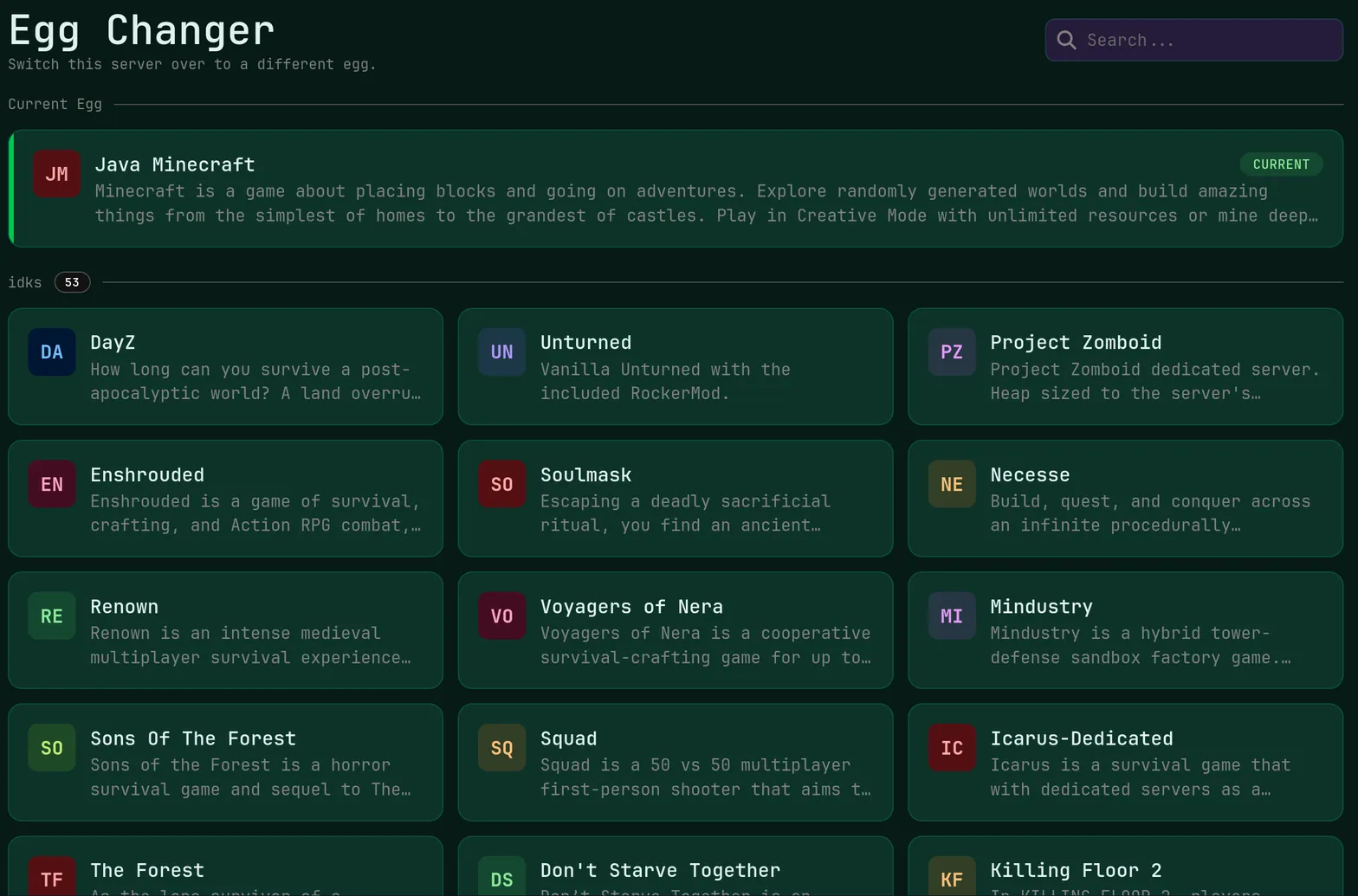
Swap Games Anytime

Switch to any supported game, any time.

One Click Install

Modpacks, worlds, mods and plugins.

Full Version Support

Every version, mod, and modpack.

Crash Detection

We'll tell you when and why it crashed.

Human Support

No AI or bots here. Only humans.

28 SERVER TYPES, EVERY VERSION

Vanilla, Paper, Fabric, Forge, NeoForge, proxies, limbos and the rest. Swap between any of them from the panel in a few clicks, on any version they ship, without a reinstall or a support ticket.

Recommended

6
Vanilla
Paper
Fabric
Forge
NeoForge
Velocity

Established

7
Purpur
Pufferfish
Folia
Sponge
Spigot
BungeeCord
Waterfall

And more

15
The remaining launchers stay available from the panel without listing every niche build here.

PRICING

Choose the perfect Premium plan for your Minecraft Java Edition server.

RAMMonthly
2 GB$5.003 GB$7.506 GB$15.008 GBmost popular$20.0012 GB$30.0016 GB$40.0024 GB$60.0032 GB$80.00

Every plan: Unlimited Slots · Unmetered Allocations/Ports · Unmetered Databases · Enterprise Hardware · Unmetered NVMe Storage

Need help choosing? Talk to a human or check the docs.

EVERYTHING YOU NEED

Minecraft is bound by single-thread speed and chunk I/O, so every plan below is built around high-clock Ryzen 9 CPUs and NVMe storage.

One-Click Server Types

Switch between Paper, Purpur, Spigot, Fabric, Forge and vanilla from the panel installer without rebuilding the server.

Paper and Purpur · Fabric and Forge

Version Changer

Move between Minecraft releases, snapshots and older builds in one click when a plugin or modpack is not ready for the latest version.

Snapshots to legacy · No data loss

High-Clock Ryzen 9

Minecraft runs its main loop on one thread, so tick rate follows clock speed — nodes are Ryzen 9 7900 to 9950X on DDR5 ECC memory and NVMe.

Single-thread speed · NVMe chunk I/O

Griefer And Attack Cover

DDoS filtering is included on every server, and automatic daily backups across ten rolling slots let you roll a griefed world back.

DDoS included · Ten backup slots

No Slot Licences

We never charge per player. Set max-players where your RAM and view distance can actually sustain it, not where a licence stops you.

Unlimited slots · Subusers for staff

9 Regions For Low Ping

Run in Miami, Dallas, New York City, San Jose, Ashburn, Salt Lake City, Toronto, Brussels or Frankfurt, and relocate later for free.

9 locations · Free relocation

ABOUT MINECRAFT HOSTING

How Much RAM A Java Server Needs

Vanilla and lightly plugged Paper servers are comfortable on 2 to 6 GB for a handful of friends. Plugin servers with a world border, an economy and a few dozen players sit naturally at 8 GB, which is why it is our most popular tier. Large modpacks are the expensive case: Forge and Fabric packs with hundreds of mods routinely want 12 to 16 GB before they stop stuttering on chunk generation.

Because pricing is a flat $2.50 per GB of RAM, sizing up is a prorated billing change rather than a migration. Cores follow memory on our tiers: three up to 6 GB, four at 8 GB, and five from 12 GB upward, which matters for pregeneration and for the async work Paper offloads from the main thread.


Installing Plugins, Mods And Modpacks

Bukkit, Spigot and Paper plugins drop into the plugins folder through the panel file manager or over SFTP, and the live console shows load errors immediately so a bad plugin version is obvious on the next restart. The modpack installer handles CurseForge and Modrinth packs directly, and the server-type installer switches the underlying jar without wiping your world.

For Forge and Fabric, remember that clients need a matching mod set — the console prints the handshake failure when a player joins with the wrong version. Automatic daily backups with ten rolling slots mean you can add an overhaul pack and roll back within minutes if it breaks the world.

Choosing A Location And Tuning Tick Rate

We host Minecraft in 9 locations across the United States, Canada, Belgium and Germany. Pick the one nearest most of your players: distance sets your floor for latency, and no amount of hardware fixes a transatlantic route. You can measure live round-trip times to every location from your browser before ordering.

Once you are close, the levers that actually move tick rate are view distance, simulation distance, entity limits and pregenerated chunks. Chunk generation is the heaviest thing a Minecraft server does, so pregenerating a world border on NVMe storage removes most mid-session lag spikes, and the panel scheduler can run restarts overnight to keep memory clean.

Live Ping by Location

measured from your browser — 9 game server locations in total

Compare all 9 game server locations for node hardware and the regions each one covers.

❓ FAQ

GOT QUESTIONS?

Find answers to the most common questions about our Minecraft hosting service.

How quickly can I set up my Minecraft server?

Your Minecraft server will be ready in less than 5 minutes! Our automated deployment system handles everything from installation to initial configuration. Just select your preferences and click deploy.

Can I install mods and plugins on my server?

Absolutely! We support all major mod loaders including Forge, Fabric, and Bukkit/Spigot/Paper plugins. You can install mods through our control panel or upload them manually via FTP.

How many players can join my server?

There are no artificial player limits! The number of concurrent players depends on your chosen RAM and CPU configuration. We recommend 1GB RAM per 10-20 players for vanilla Minecraft.

Do you provide daily backups?

Yes! We automatically create daily backups of your server data and keep them for 7 days. You can also create manual backups anytime through the control panel or download your world files.

What Minecraft versions do you support?

We support all Minecraft versions from 1.7.10 to the latest release, including snapshots. You can easily switch between versions through our control panel without losing your data.

Can I get a refund if I'm not satisfied?

We offer a 30-day money-back guarantee. If you're not completely satisfied with our service within the first 30 days, we'll provide a full refund, no questions asked.

Do you offer technical support?

Our expert support team is available 24/7 via live chat and tickets. We can help with server configuration, mod installation, troubleshooting, and any technical questions you might have.

Can I upgrade or downgrade my server plan?

Yes! You can upgrade or downgrade your server resources at any time through the billing panel. Changes take effect immediately, and billing is prorated automatically.