Get 20% off your first order using the coupon code
HumanitZ Server Hosting
Keep a HumanitZ survival run alive between sessions, with your difficulty and loot settings stored server-side and daily backups covering the wipe nobody planned.
Enterprise hardware and every feature you need, at a fraction of the price. Not feeling it? We offer a no-questions-asked 7-day refund window.
50 GB of storage included
Need more than 50 GB of NVMe? Just ask.
10 Backup Slots
Keep up to ten backups at once.
5 Split Slots
Split your server into more than one.
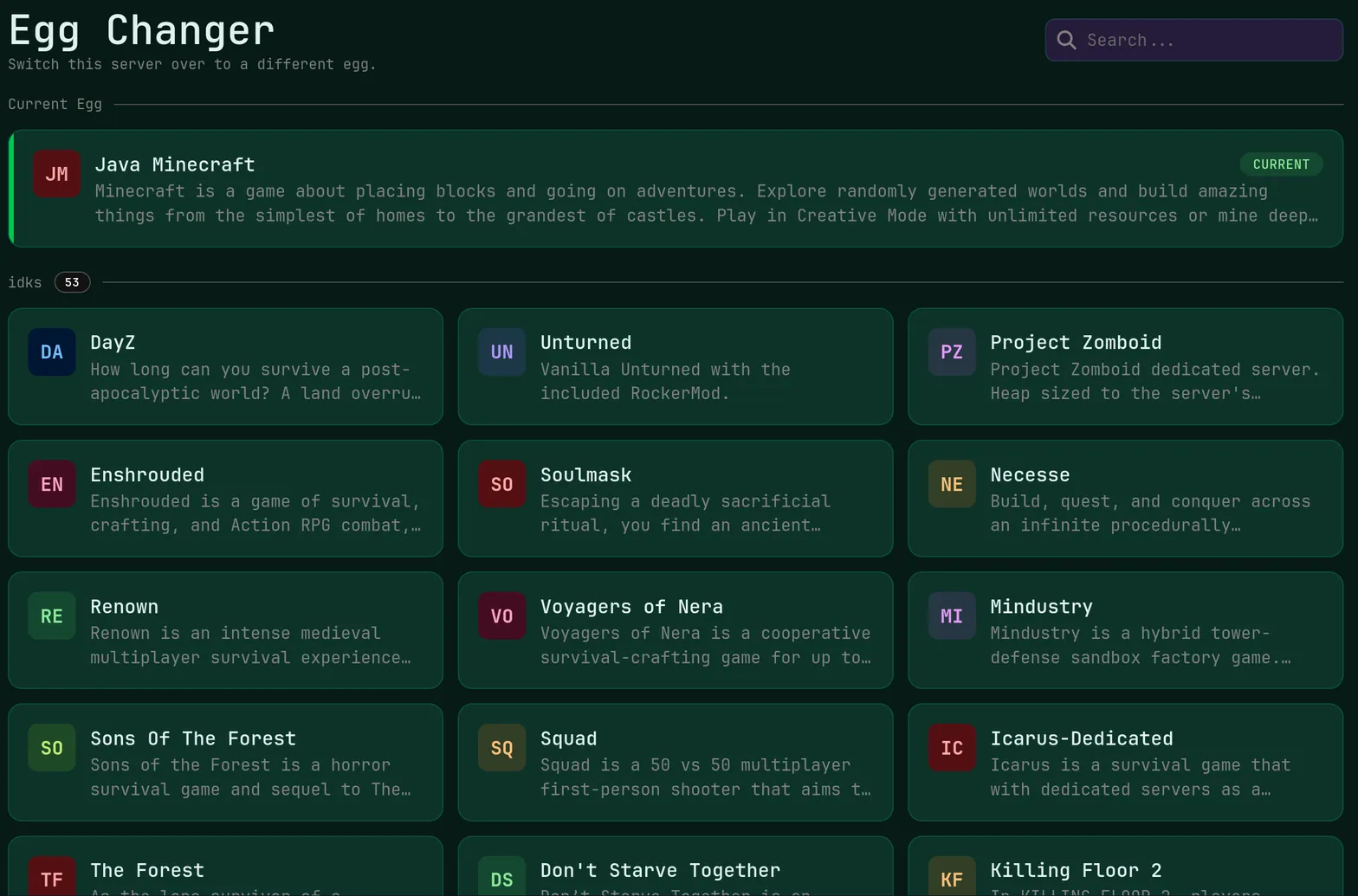
Swap Games Anytime
Switch to any supported game, any time.
One Click Install
Modpacks, worlds, mods and plugins.
Full Version Support
Every version, mod, and modpack.
Crash Detection
We'll tell you when and why it crashed.
Human Support
No AI or bots here. Only humans.
PRICING
3 GB suits a private four-player run, 6 GB fits around ten survivors spread across a well-looted map, and 12 GB with 5 cores is the pick for a busy public server.
HumanitZ tracks a wide open map of roaming zombies, looted containers and parked vehicles on the host, so world-state memory and NVMe write speed decide how well a long run holds together.
Survive Within Minutes
Automated setup runs the moment checkout completes, so the first supply run starts long before a support agent would have replied.
Instant setup · Console access
Difficulty Settings Control
Edit the server configuration in the panel to tune zombie density, loot respawn, damage rules and day length for your group.
File manager · SFTP access · Scheduler
Open-Map Performance
Ryzen 9 processors, DDR5 ECC memory and NVMe SSD storage handle a large map full of tracked zombies, vehicles and containers.
Ryzen 9 · DDR5 ECC · NVMe SSD
Unlimited Survivor Slots
We never sell player slots, so a small co-op group can turn into a full server without changing your plan's price per player.
Unlimited slots · Player tools
Outbreak Stays Online
DDoS protection is applied to every server at no extra cost, which keeps a firefight from ending in a mass disconnect.
Included free · Every plan
Nine Safe Zones
Deploy in Miami, Dallas, New York City, San Jose, Ashburn, Salt Lake City, Toronto, Brussels or Frankfurt, whichever is closest to your squad.
9 locations · Low latency
ABOUT HUMANITZ HOSTING
Running A HumanitZ Co-op Run
HumanitZ works best as an ongoing run rather than a single evening, and that needs a world nobody has to host in person. On a rented server the map, your stashes and every vehicle you dragged home stay put, and friends in other time zones can keep looting while you sleep. Setup here is automated at checkout, so the world exists within minutes of payment.

Tuning Zombie And Loot Rules
Most of what makes a HumanitZ server feel right lives in its configuration: zombie numbers and aggression, loot respawn timing, damage multipliers, day and night length, and whether players can shoot each other. Those files are open to you in the panel file manager or over SFTP, with the live console showing whether the server accepted a change on restart. The one-click version changer keeps the server lined up with the client build after an early access update.
Vehicles, Bases And Save Safety
A HumanitZ world accumulates state quickly, between repaired vehicles, built defenses and hundreds of emptied containers, so restore points are worth setting up properly from the start. Automatic daily backups keep 10 rolling slots, and a manual snapshot before a game update takes seconds. If you do want a clean slate, deleting the world folder from the file manager and restarting gives the group a fresh map on the same server.
Live Ping by Location
measured from your browser — 9 game server locations in total
Common questions about running a HumanitZ server with us.
A private group of three or four players is comfortable on 3 GB at $7.50 a month. Because the host tracks zombies, loot containers and vehicles across a large map, busier servers do better on 6 GB at $15.00. Public servers with regular crowds should look at the 12 GB tier and its 5 cores.
Yes, and you get direct file access to do it. Stop the server, open the configuration in the panel file manager or over SFTP, adjust zombie density, loot respawn, damage values or day length, then restart and confirm in the live console. Take a backup first so an unwanted change is trivial to undo.
Player versus player behavior is controlled by the server's own settings, so you can run a cooperative world or open it up to PvP by editing the configuration. Both use the same plan, since features are identical across the lineup. DDoS protection is included either way, which matters more once a server has rivals on it.
Stop the server, delete or rename the world folder in the file manager, then start it again to generate a fresh map. Existing backups stay intact in their 10 rolling slots, so you can return to the old world if the group changes its mind. The task scheduler can automate periodic restarts around your wipe schedule.
HumanitZ is in early access and updates regularly, so the server needs to match the client. The one-click version changer handles that from the panel, and a manual backup beforehand protects the world if an update changes save behavior. Our support team is on hand 24/7 through the portal, Discord or email during rough update weeks.