Get 20% off your first order using the coupon code
The Forest Server Hosting
Keep your peninsula exactly as you left it. The treehouse network, the stash of logs, and the camps you cleared stay online while the group logs off for the night.
The Forest leans on single-thread CPU for enemy pathing and structure physics rather than a huge memory pool, so every plan runs Ryzen 9 cores, DDR5 ECC memory, and NVMe storage.
Instant Peninsula Spawn
Checkout triggers an automated install, so the co-op world is accepting survivors while you are still picking a spawn point.
Automated install · No setup fee · Ready in minutes
Ryzen 9 Survival Nodes
Cannibal pathfinding and collapsing log structures run on AMD Ryzen 9 CPUs with DDR5 ECC memory and NVMe SSD storage.
Ryzen 9 7900 class · DDR5 ECC · Unmetered NVMe
Difficulty And Saves
Switch between Peaceful, Normal, Hard, and Hard Survival or restore yesterday's save slot without leaving the FSH panel.
Live console · File manager · 10 backup slots
Never Metered Slots
FSH sells unlimited player slots, so the only ceiling on your camp is the eight-survivor limit the game itself enforces.
Unlimited slots · Subuser access · Player management
Attacks Filtered Free
DDoS protection sits in front of every node at no extra cost, so nobody gets dropped halfway down a cave shaft.
Included free · Every location · No add-on fee
Nine Co-op Regions
Host in Miami, Dallas, New York City, San Jose, Ashburn, Salt Lake City, Toronto, Brussels, or Frankfurt.
9 locations · NA and EU · Chosen at checkout
ABOUT THE FOREST HOSTING
Running a Persistent Forest Save
The Forest keeps each co-op world in a numbered save slot on whichever machine is hosting, which is why one friend dropping offline usually ends the session. A dedicated server holds that slot permanently: the treehouse, the stored logs, and the cannibal camps you cleared are all exactly where you left them. FSH takes automatic daily backups into ten rolling slots, so a bad night of building is a restore away rather than a restart.

Editing Your Server Config File
A dedicated server reads its behavior from a plain text configuration file, and the FSH file manager opens that file directly in the browser. Set the name players see in the server list, choose between Peaceful, Normal, Hard, and Hard Survival, decide whether enemies rebuild their camps, and point the server at the save slot you want loaded. Save, hit restart in the live console, and the new rules apply on the next join.
Picking a Region for Your Group
Ping matters more here than the screenshots suggest, because cannibals lunge and the logs you are hauling obey physics. Choose from nine locations at checkout: Miami, Dallas, New York City, San Jose, Ashburn, Salt Lake City, Toronto, Brussels, or Frankfurt. Groups split across the United States usually settle on Dallas or Ashburn, while European survivors get the cleanest results from Brussels or Frankfurt.
Live Ping by Location
measured from your browser — 9 game server locations in total
Common questions about running a The Forest server with us.
Two gigabytes at $5.00 per month runs a full group without complaint, since the game caps a co-op world at eight survivors. Worlds with months of history, sprawling multi-level bases, and hundreds of placed structures are happier on 3 GB at $7.50 or 6 GB at $15.00. All three tiers include 3 CPU cores, unmetered NVMe storage, and DDoS protection.
FSH never meters player slots, so the limit comes from the game: The Forest supports eight survivors in one co-op world, host included. Panel subusers let you hand a co-host console and restart rights without sharing your account, and the player management tools show current connections so you can remove someone without editing a config file.
Yes. Stop the server, upload your local save folder into the matching slot directory using the file manager or SFTP, point the configuration file at that slot, and start back up. Take a manual backup first; with ten rolling slots available, creating one before an import turns a mismatched game version into a two-click rollback instead of a lost world.
Difficulty and game mode are read from the configuration file at startup, so you edit the value in the panel and restart. Peaceful removes the cannibals entirely, Hard Survival tightens hunger and thirst while thinning out supplies, and Normal sits between them. Structures and stored items survive the change; only enemy behavior and survival pressure shift.
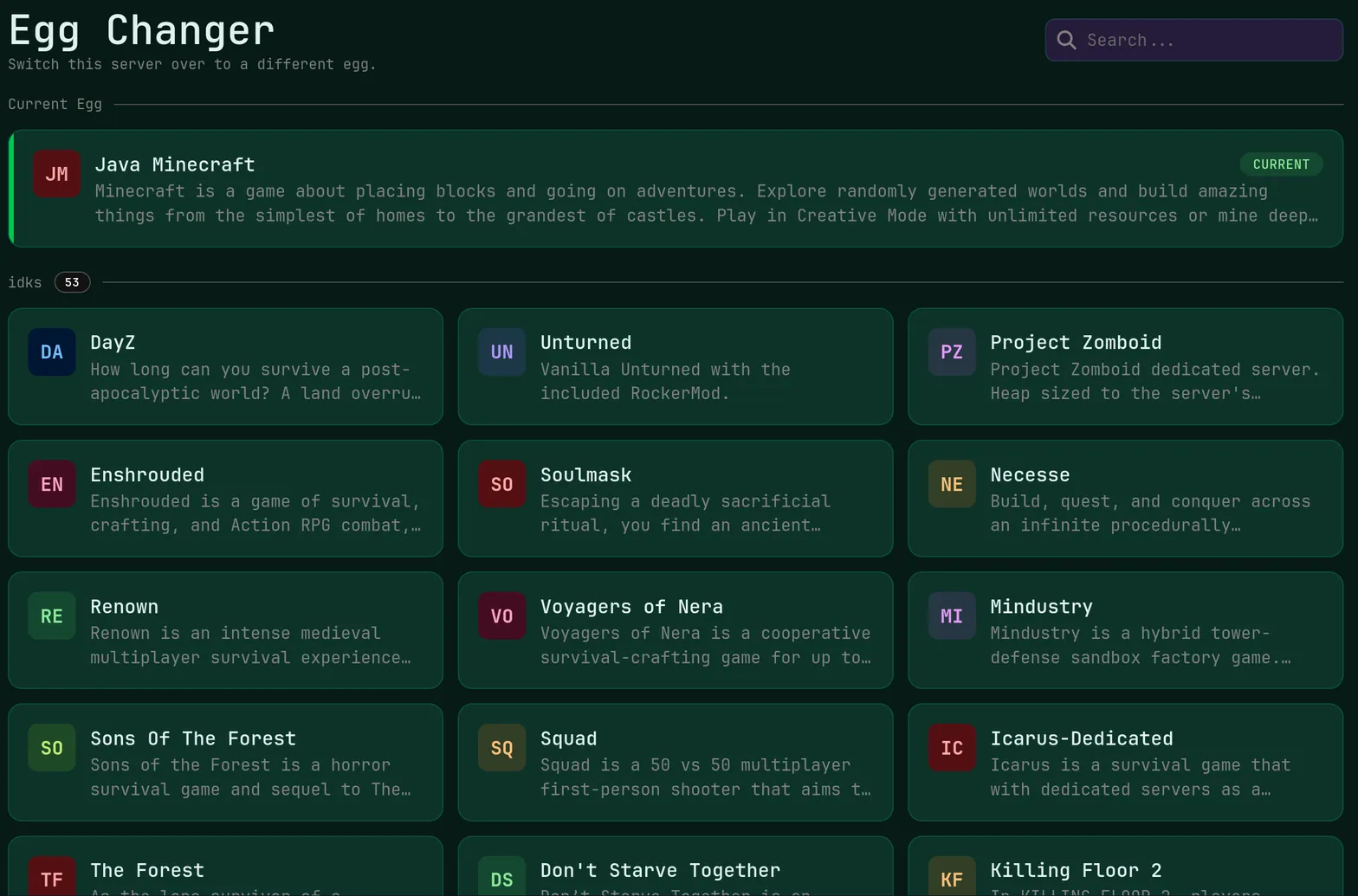
There is no official mod loader for the dedicated server. Community tooling works on the client side, so players who install it see the changes while the server keeps running standard logic. What FSH gives you instead is complete filesystem access through the file manager and SFTP, a one-click version changer for matching older builds, and unmetered ports for companion tools.